
01
Say or type the expense
Use short, natural messages. KP is designed for fast everyday logging.
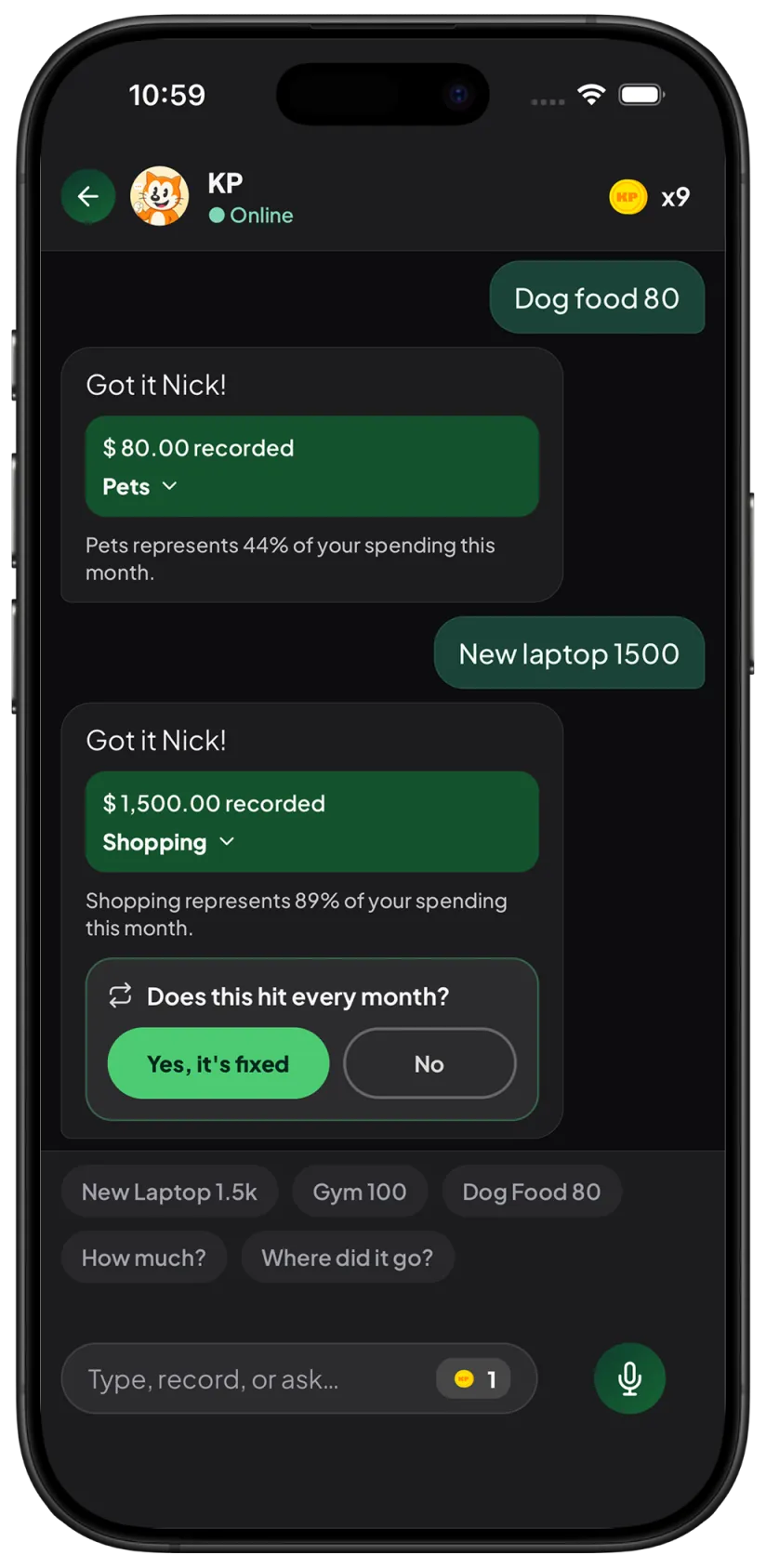
Voice expense tracker
Say “lunch 25”, or ask “how much did I spend today?”. KP logs it — or shows you the month.
Most expense trackers fail because logging feels like work. KP makes the habit feel as natural as sending a message.
01
Use short, natural messages. KP is designed for fast everyday logging.
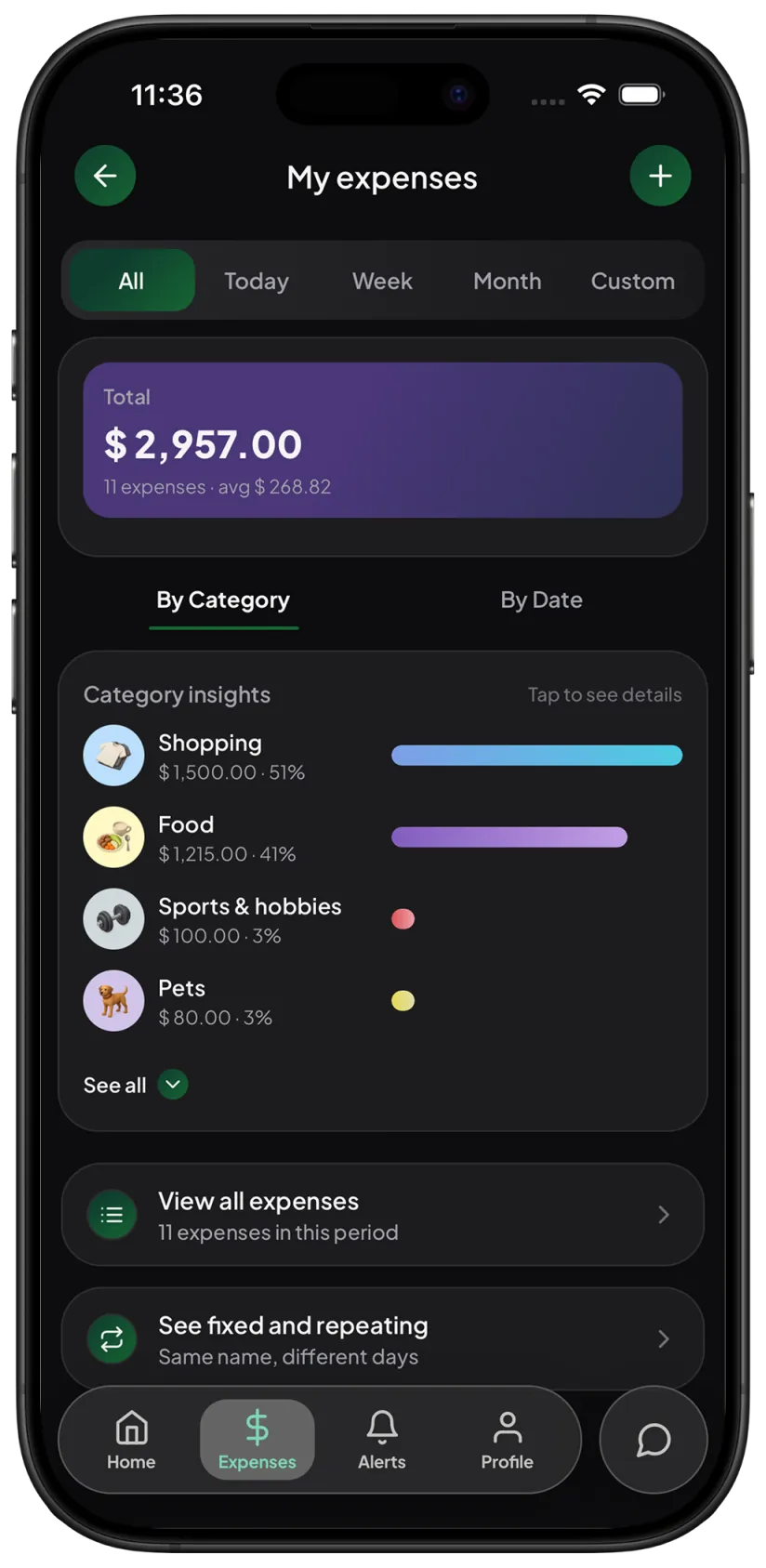
02
KP connects each expense to daily, weekly, and monthly spending views.
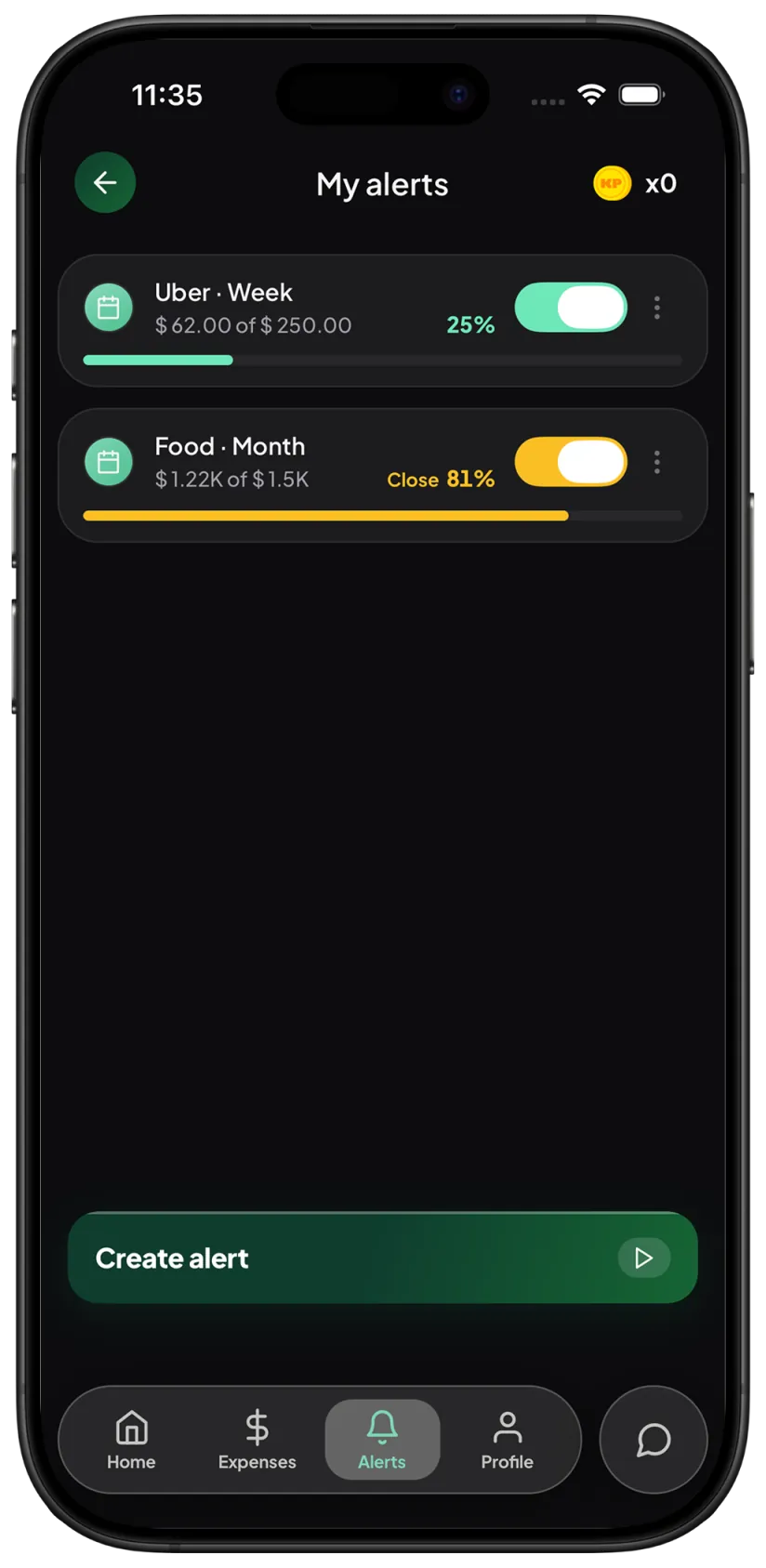
03
Alerts and budgets help you react before your spending gets away from you.
KP works manually with text and voice. You do not need to connect your bank or share banking credentials to start tracking.
Yes. You can log expenses by typing, speaking, or using the app controls.
No. KP is made for manual tracking by text or voice, so you can start without bank access.
KP organizes it so you can review spending — or ask how much you spent, in the same chat.